

CentOS 7 PostgreSQL 설치 및 사용법
https://www.ehostidc.co.kr/hosting/domestic.php (709)https://www.ehostidc.co.kr/colocation/colocation.php (773)

1) PostgreSQL 설치 |
|
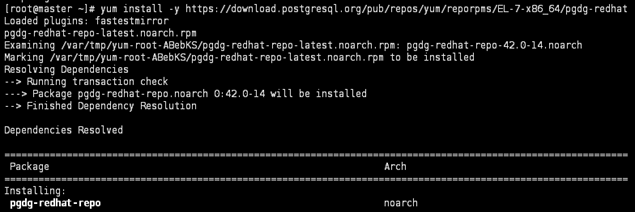
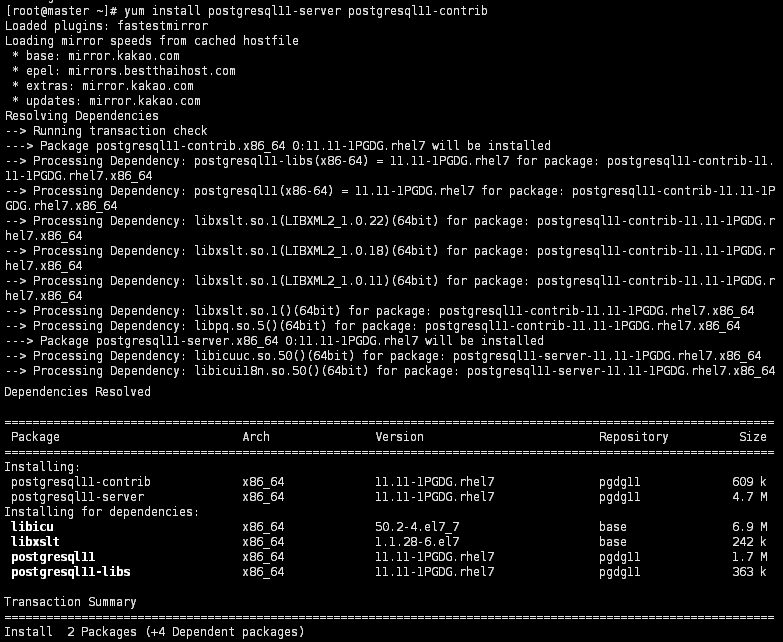
[root@master ~]# yum install -y https://download.postgresql.org/pub/repos/yum/reporpms/EL-7-x86_64/pgdg-redhat- [root@master ~]# yum install postgresql11-server postgresql11-contrib |
2) postsql 실행 |
|
[root@master ~]# /usr/pgsql-11/bin/postgresql-11-setup initdb [root@master ~]# systemctl start postgresql-11 [root@master ~]# systemctl enable postgresql-11 |


3) postgresql 로컬 접속 |
|
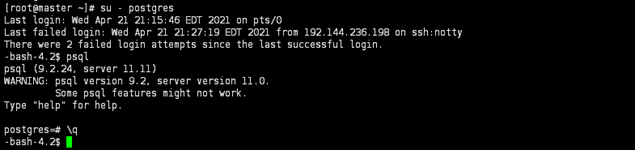
[root@master ~]# su – postgres *PostgreSql 설치시 자동 생성되는 계정 -bash-4.2$ psql postgres=# \q *PostgreSql 접속 종료 |
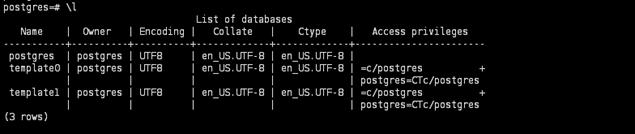
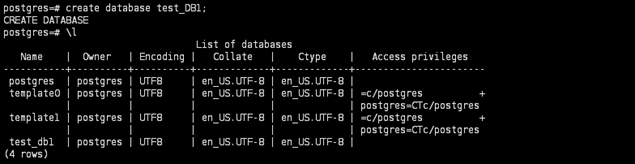
4) databases 확인 및 신규 데이터베이스 생성 |
|
postgres=# \l postgres=# create database [DB Name]; |
5) table 생성 |
|
postgres=# CREATE TABLE [데이터베이스명]( title varchar(256) NOT NULL, contents varchar NOT NULL, date date NOT NULL, name varchar(20) NOT NULL ); postgres=# \dt |

6) 사용자 계정 생성 |
|
postgres=# select * from pg_user; postgres=# CREATE USER [사용자명] PASSWORD '[비밀번호]'; postgres=# select * from pg_user; |


7) 사용자 계정 권한 추가 |
|
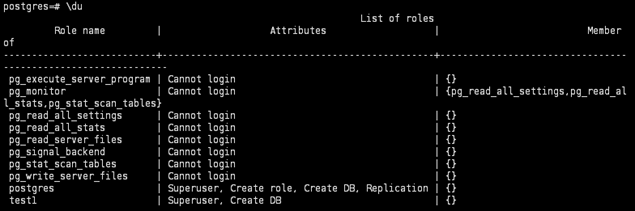
postgres=# alter role [사용자명] [추가 권한]; postgres=# \du *사용자명 및 권한 확인 |