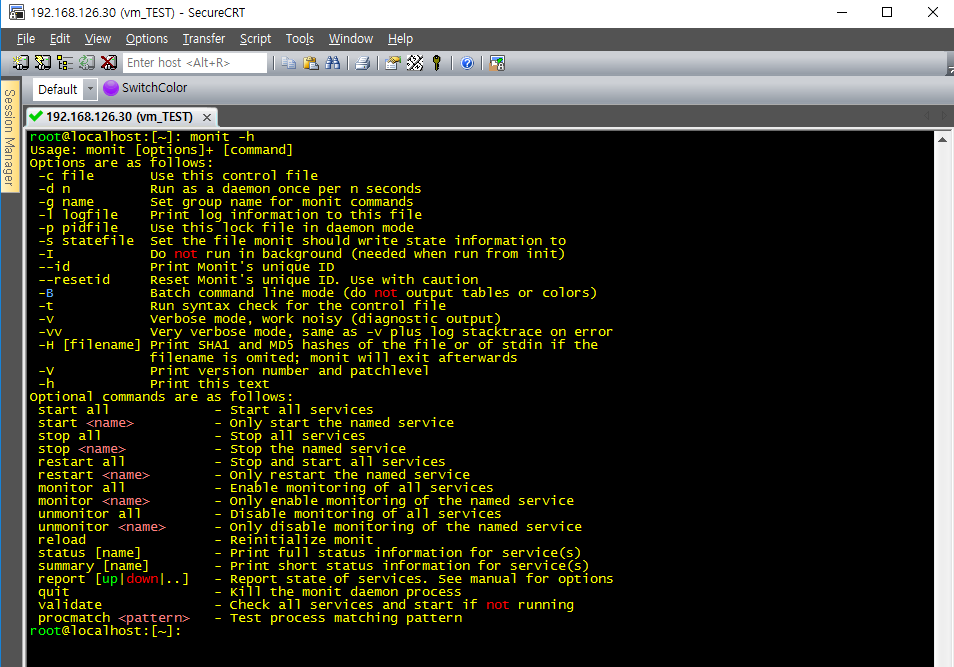



Monit을 이용한 demon 자동 재실행 (CentOS7)
https://www.ehostidc.co.kr/hosting/domestic.php (755)https://www.ehostidc.co.kr/colocation/colocation.php (745)

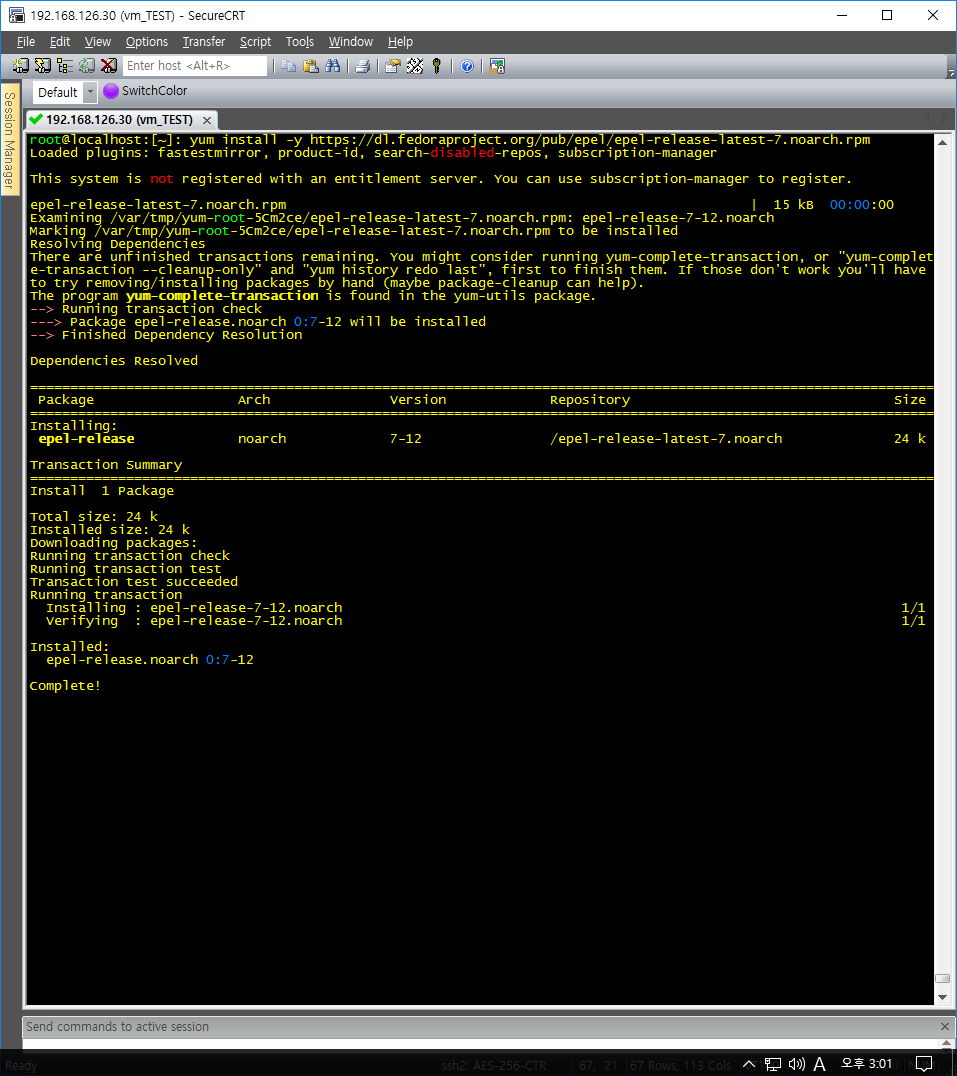
1) EPEL repository 활성화 |
|
root@localhost:[~]: yum install -y https://dl.fedoraproject.org/pub/epel/epel-release-latest-7.noarch.rpm |
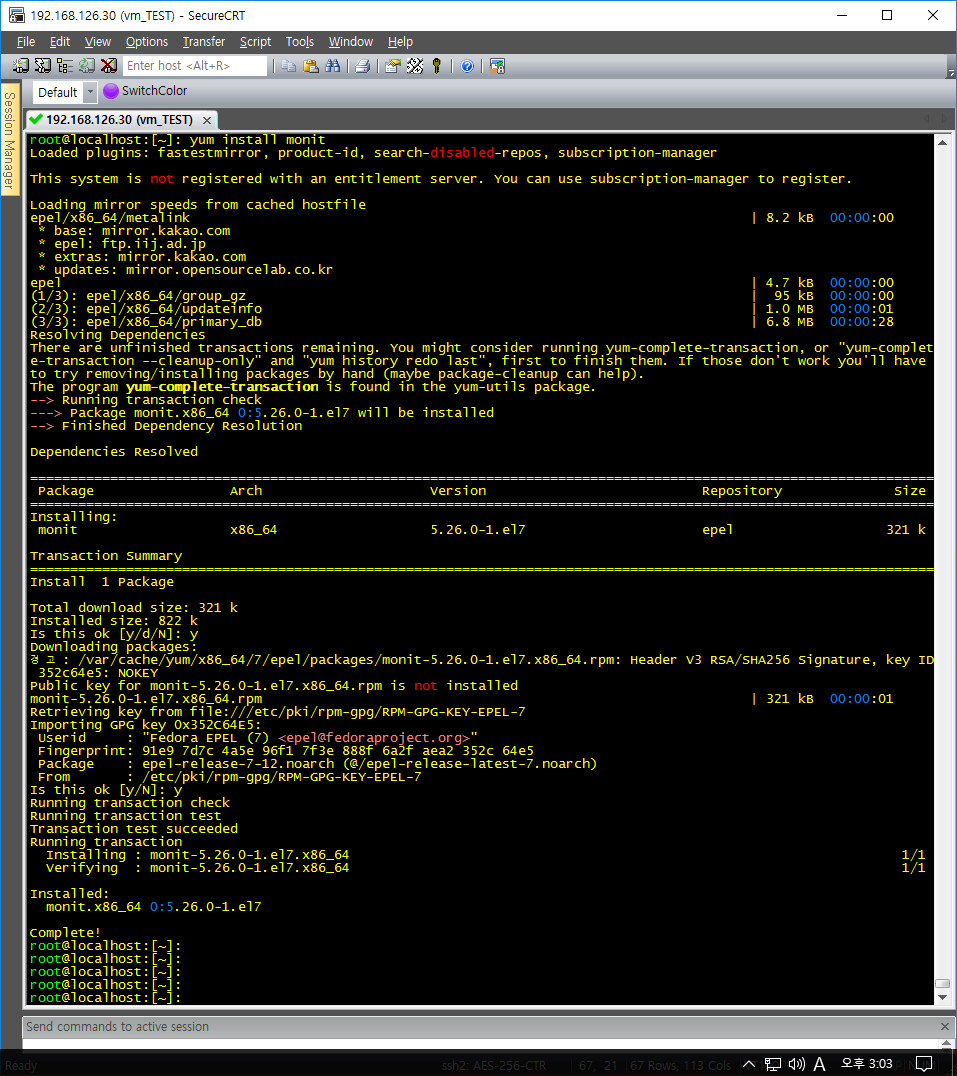
2) monit 설치 |
|
root@localhost:[~]: yum install monit |
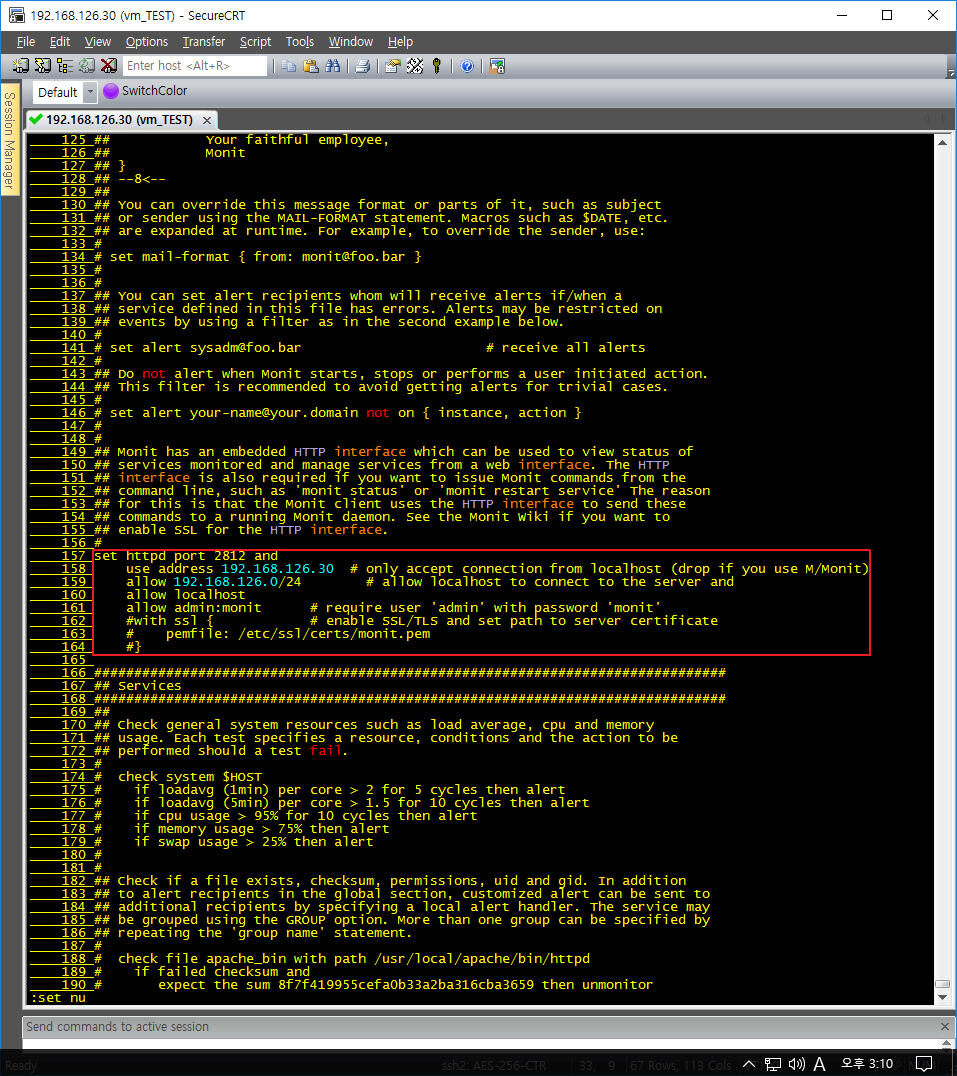
3) conf 파일 수정 |
|
root@localhost:[~]: vi /etc/monitrc 157 set httpd port 2812 and // web port 158 use address 192.168.126.30 # only accept connection from localhost (drop if you use M/Monit) // 로컬서버IP 159 allow 192.168.126.0/24 # allow localhost to connect to the server and // 접근IP 160 allow localhost 161 allow admin:monit # require user 'admin' with password 'monit' // 웹 접근계정 |
4) firewalld 정책 추가 |
|
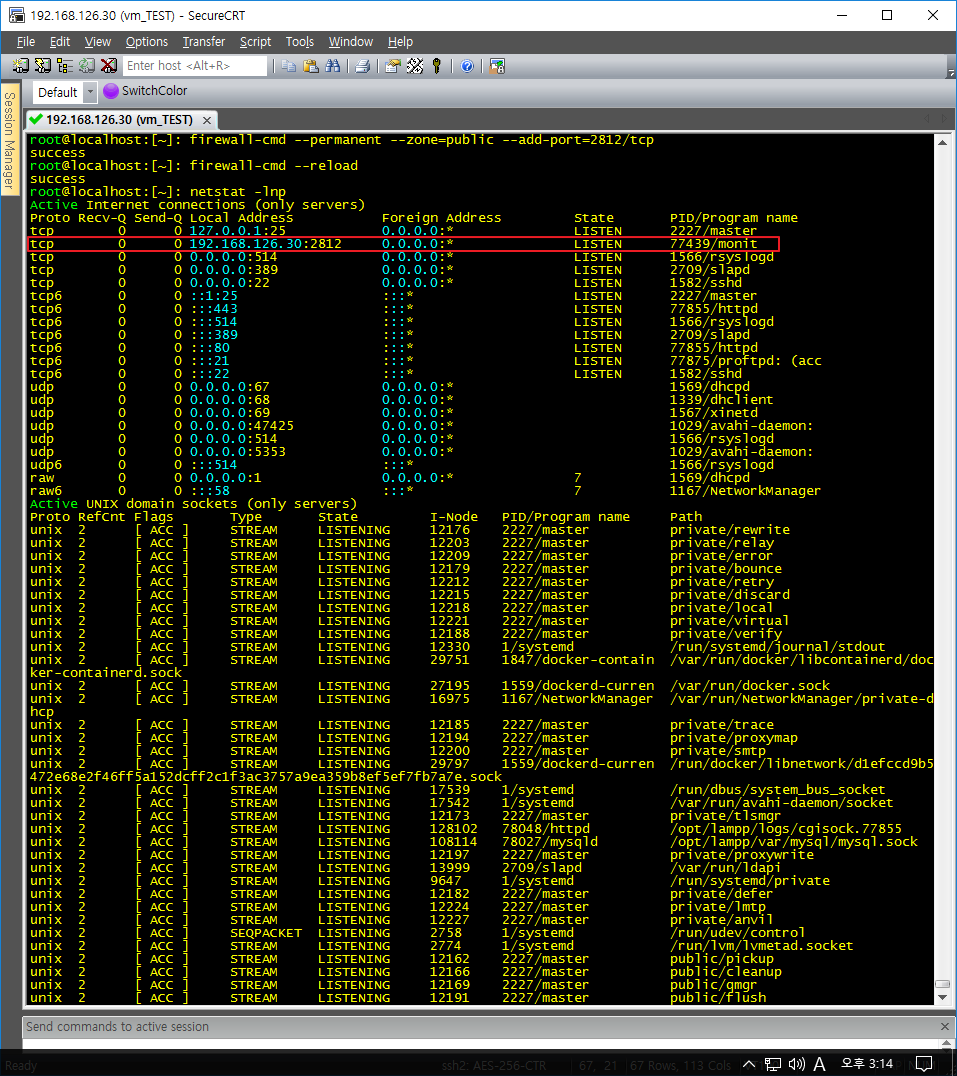
root@localhost:[~]: firewall-cmd --permanent --zone=public --add-port=2812/tcp root@localhost:[~]: firewall-cmd --reload root@localhost:[~]: netstat -lnp |
5) 사용자 지정 모니터링 설정 (ex: ssh) |
|
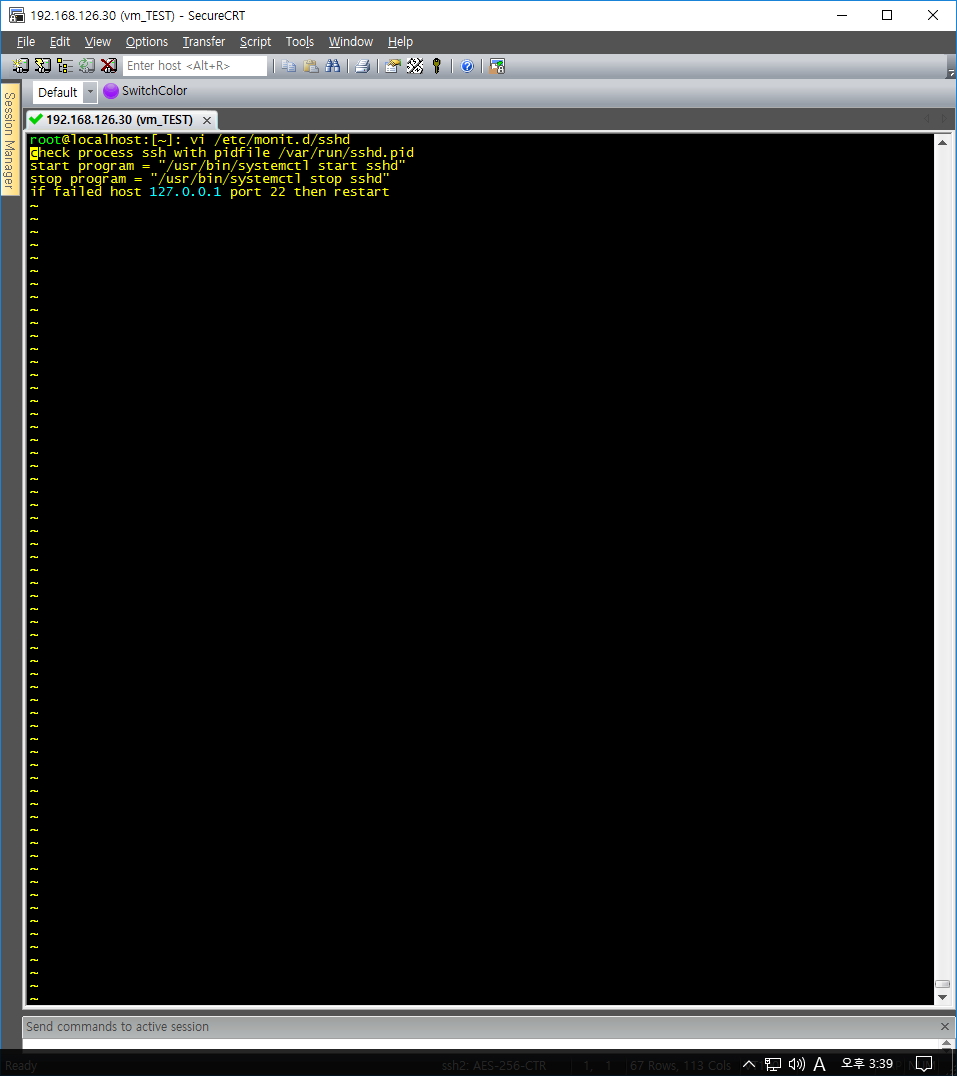
root@localhost:[~]: vi /etc/monit.d/sshd check process ssh with pidfile /var/run/sshd.pid // check process [서비스명] with pidfile “[서비스PID 위치]” start program = "/usr/bin/systemctl start sshd" // ‘서비스 시작 명령어” stop program = "/usr/bin/systemctl stop sshd" // 서비스 중지 명령어” if failed host 127.0.0.1 port 22 then restart // 로컬서버의 22번 포트가 중지 시 재시작 monit –t 명령어로 문법설정 이상 유무 확인 가능 설정 완료 후 systemctl restart monit |
6) Daemon 체크 간격 |
|
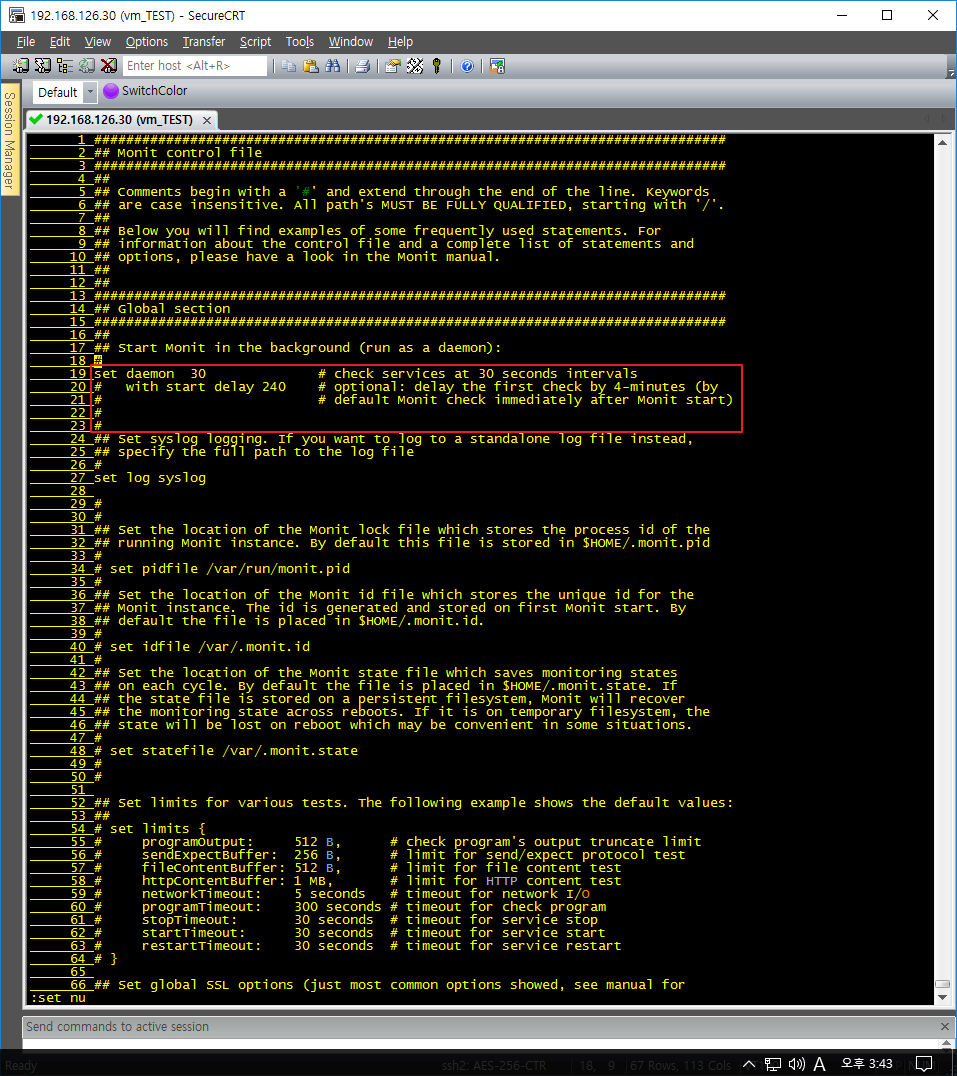
root@localhost:[~]: vi /etc/monitrc // 체크 간격 30초 |
7) 테스트 |
|
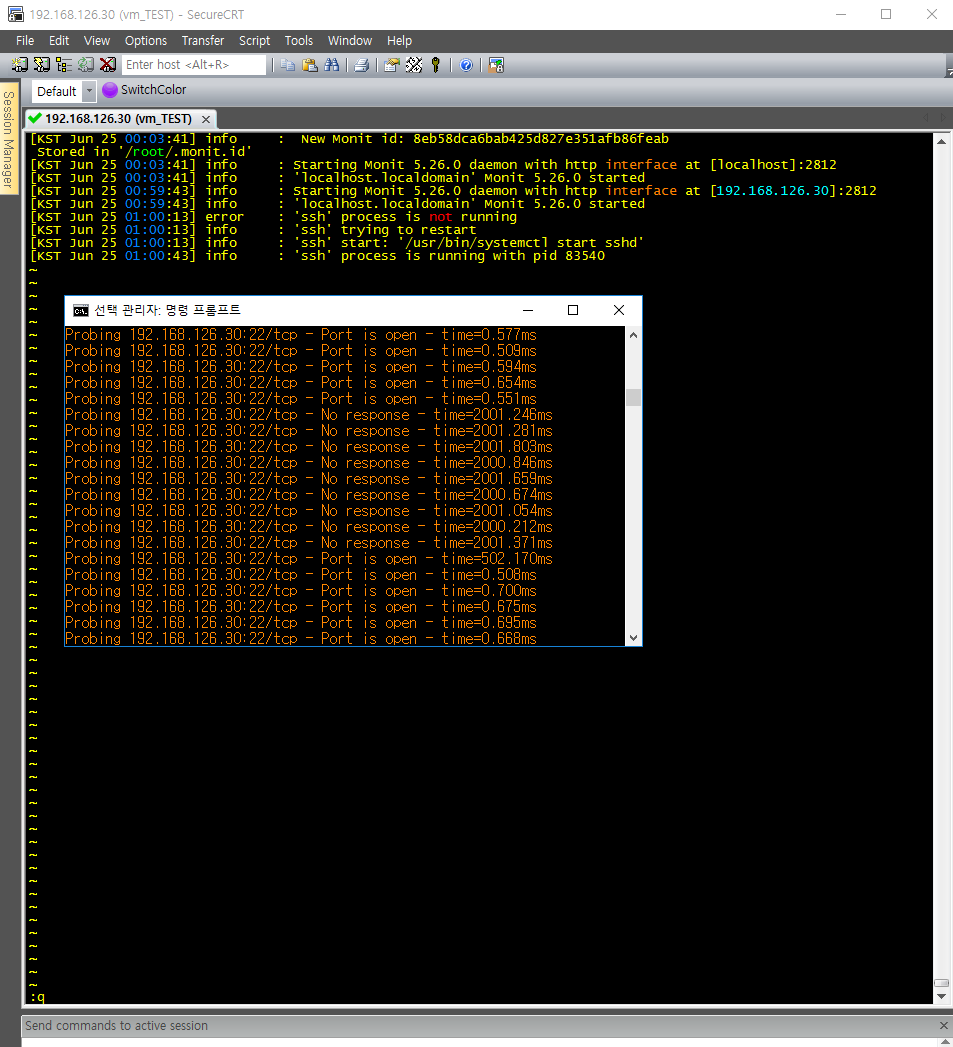
root@localhost:[~]: cat /var/log/monit.log |
8) web 접속 |
|
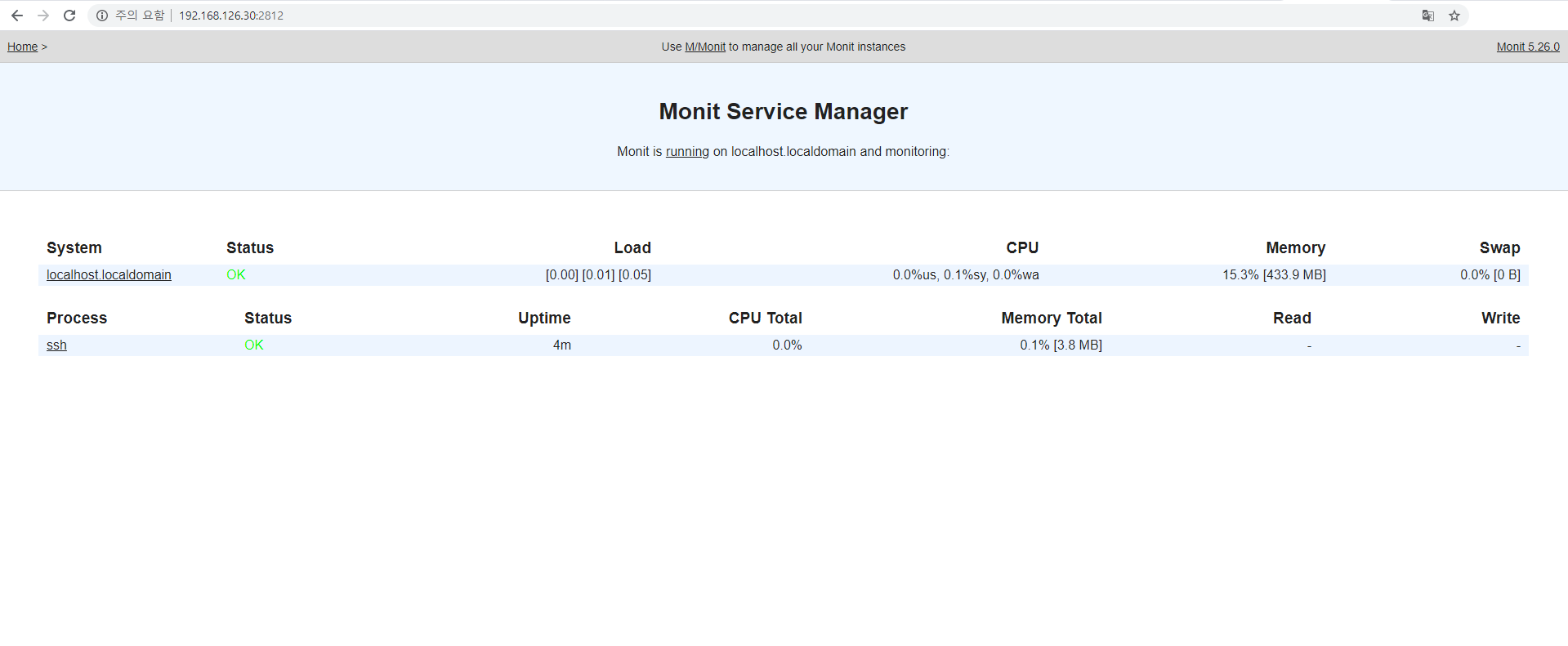
9 주요 명령어 |
|