


Bash command log 만들기
https://www.ehostidc.co.kr/ (566)https://www.ehostidc.co.kr/cscenter/consulting.php (551)

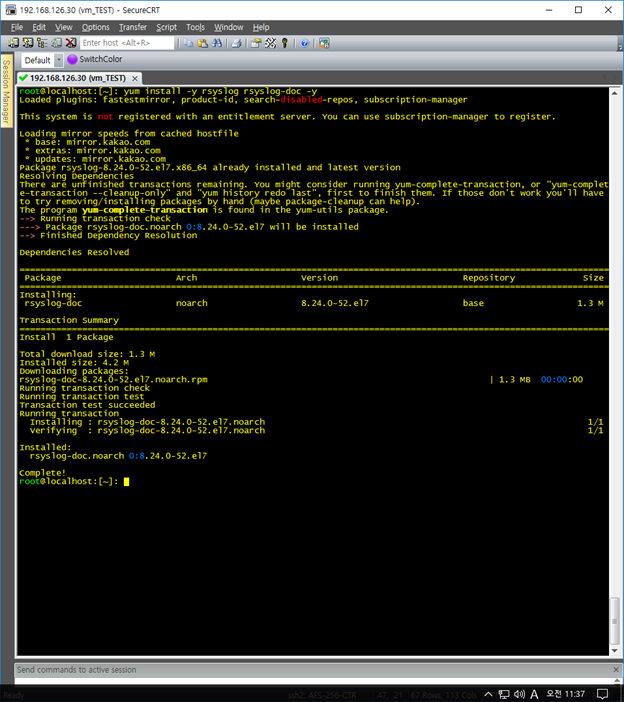
1) rsyslog 및 패키지 설치 |
|
root@localhost:[~]: yum install -y rsyslog rsyslog-doc -y |
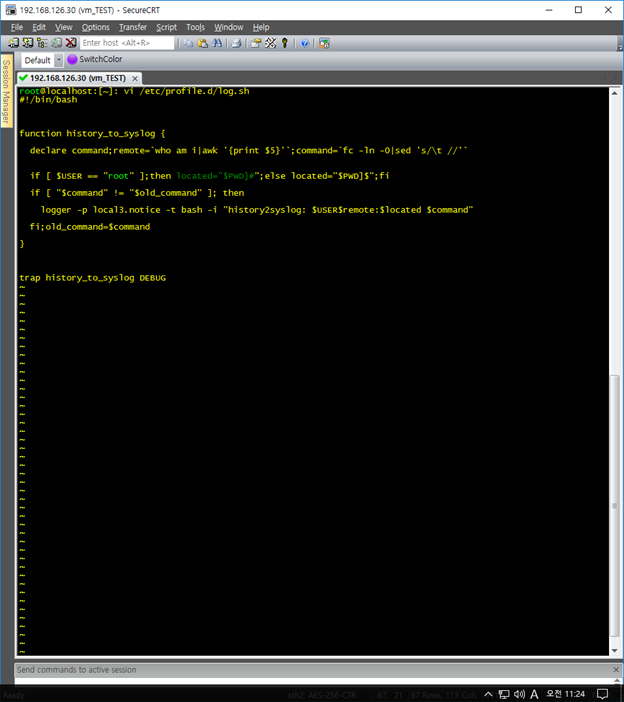
2) /etc/profile.d/ 내 스크립트 로그 작성 |
|
root@localhost:[~]: vi /etc/profile.d/log.sh #!/bin/bash function history_to_syslog { declare command;remote=`who am i|awk '{print $5}'`;command=`fc -ln -0|sed 's/\t //'` if [ $USER == "root" ];then located="$PWD]#";else located="$PWD]$";fi if [ "$command" != "$old_command" ]; then logger -p local3.notice -t bash -i "history2syslog: $USER$remote:$located $command" fi;old_command=$command } trap history_to_syslog DEBUG |
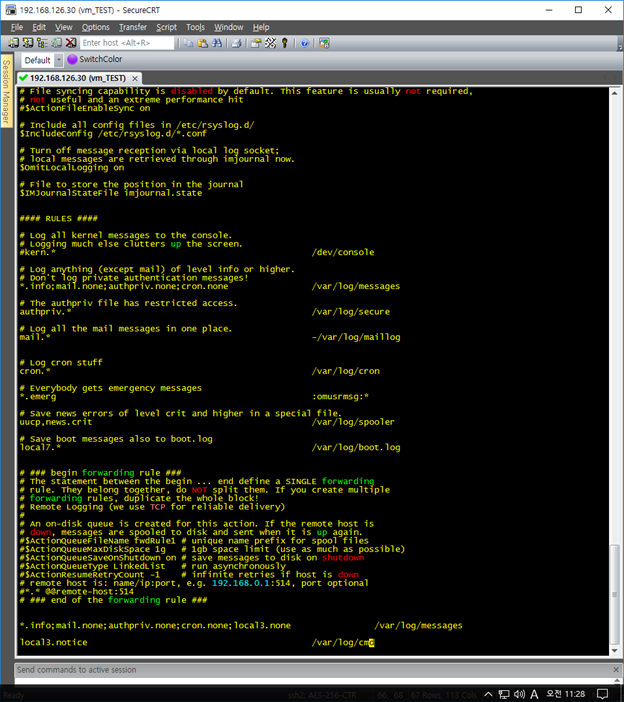
3) 별도 파일 생성을 위한 rsyslog 수정 |
|
root@localhost:[~]: vi /etc/rsyslog.conf *.info;mail.none;authpriv.none;cron.none;local3.none /var/log/messages local3.notice /var/log/cmd |
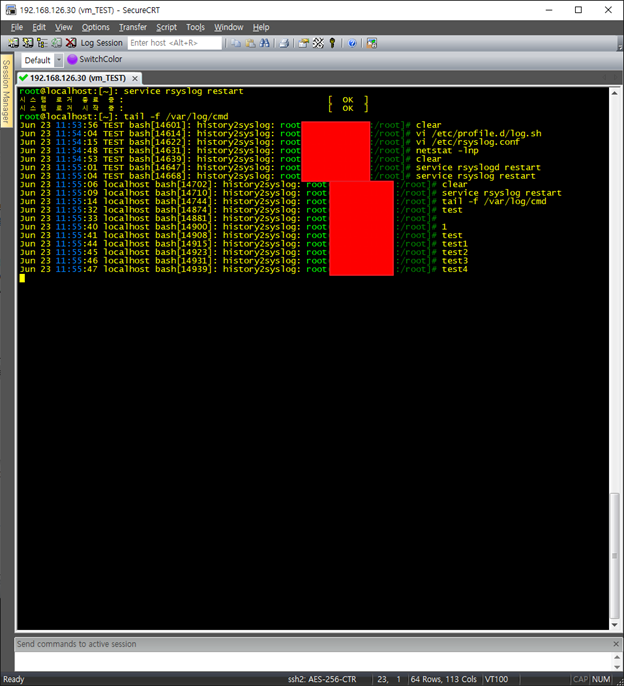
4) rsyslog 서비스 재시작 및 log 확인 |
|
root@localhost:[~]: service rsyslog restart root@localhost:[~]: tail -f /var/log/cmd |